

Where to find them
You’ll be pointed to your rejected entries in a few places:- A red “Action Required” banner on your dashboard and timesheet.
- The Rejected entries page, which lists every entry waiting on you.
What each rejected entry shows
For every rejected entry you can see:- The date and original clock in / clock out times.
- The total hours and break time recorded.
- The rejection reason — exactly why it was sent back.
- Any notes from your reviewer.
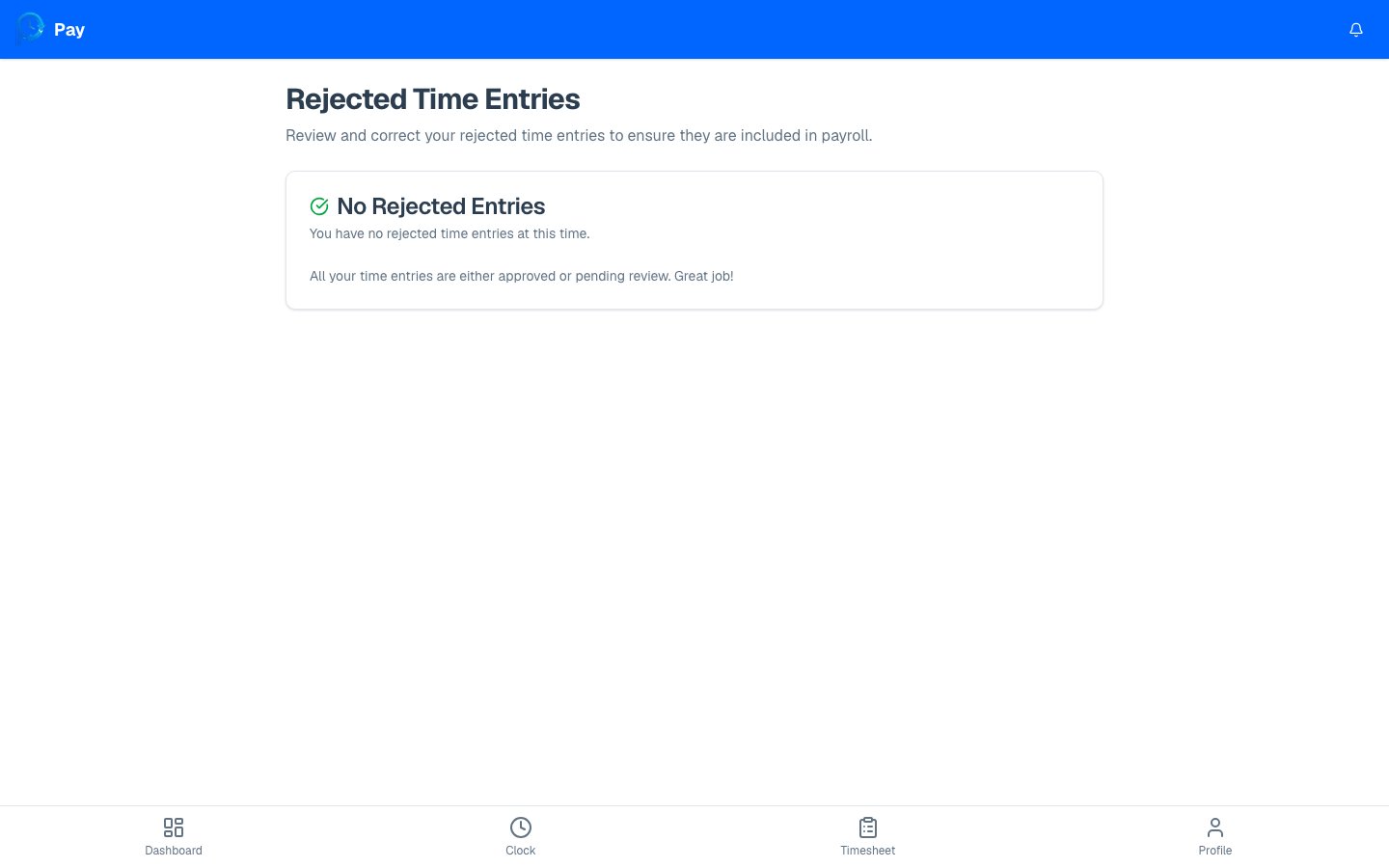
If you have no rejected entries, the page shows a friendly “No Rejected Entries”
message — that means everything is approved or still pending review. Nothing to do!
Fix a rejected entry
1
Review the reason
Read the rejection reason on the entry so you know what to change.
2
Tap Correct This Entry
This opens the correction form for that entry.
3
Update and resubmit
Fix the times and break, add a note, and submit. Full details are in
Correcting a time entry.
How to correct an entry
The step-by-step correction walkthrough.