

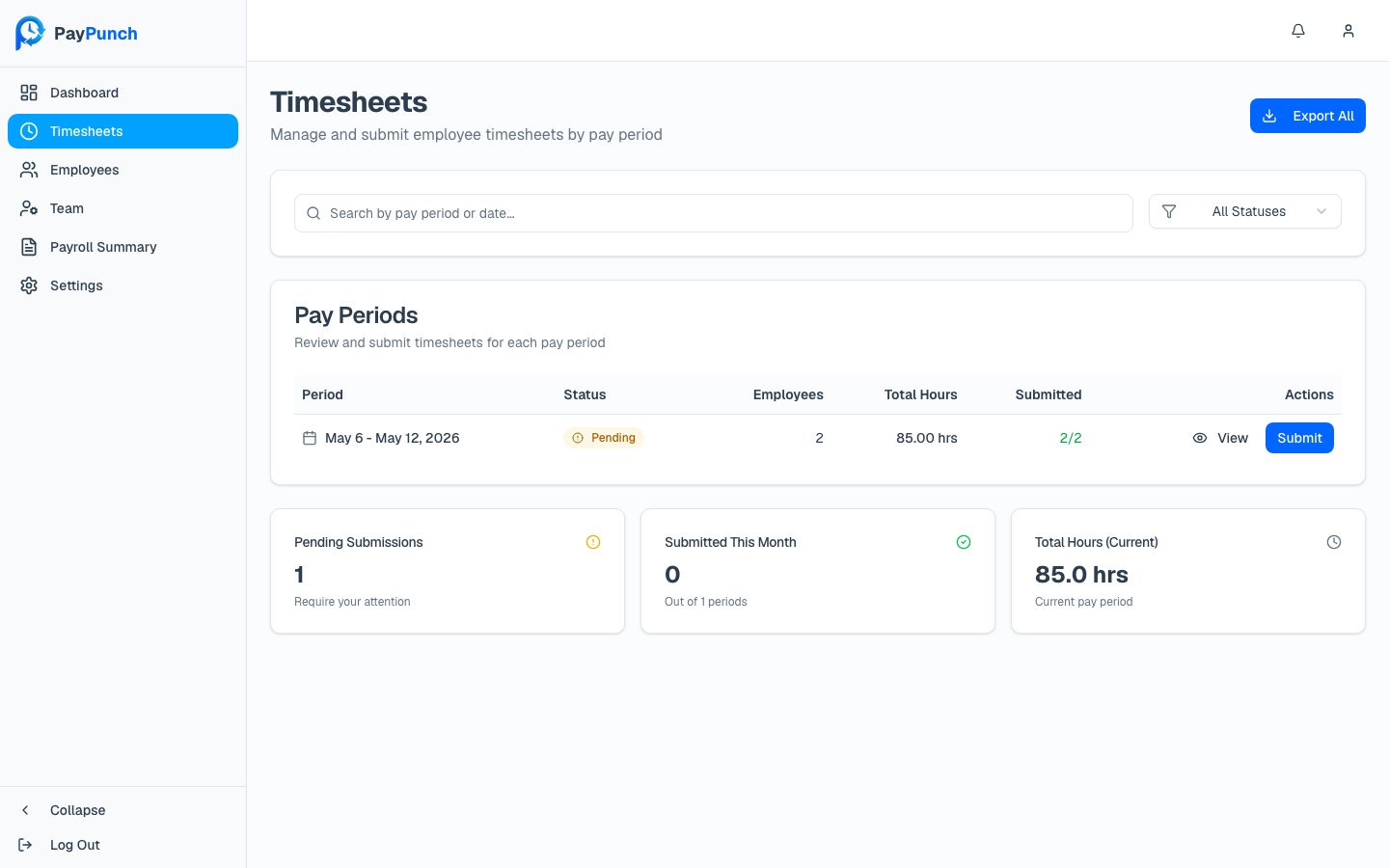
Finding a period
- Search with “Search by pay period or date…”
- Filter by status with the dropdown: All Statuses, Pending, Submitted, or Approved.
The pay-period table
Status badges
Pending
The period is still open and hasn’t been submitted to your bookkeeper.
Submitted
You’ve sent the period to your bookkeeper; it’s being processed.
Approved
The period has been approved.
Working a period
- Click View to open the period and review each employee’s time.
- Click Submit (shown only on open / pending periods) to start submitting payroll for that period.
The Export All and per-period Export buttons are placeholders in the current
beta. To pull data out today, use Reports, which exports to CSV,
Excel, and PDF.