

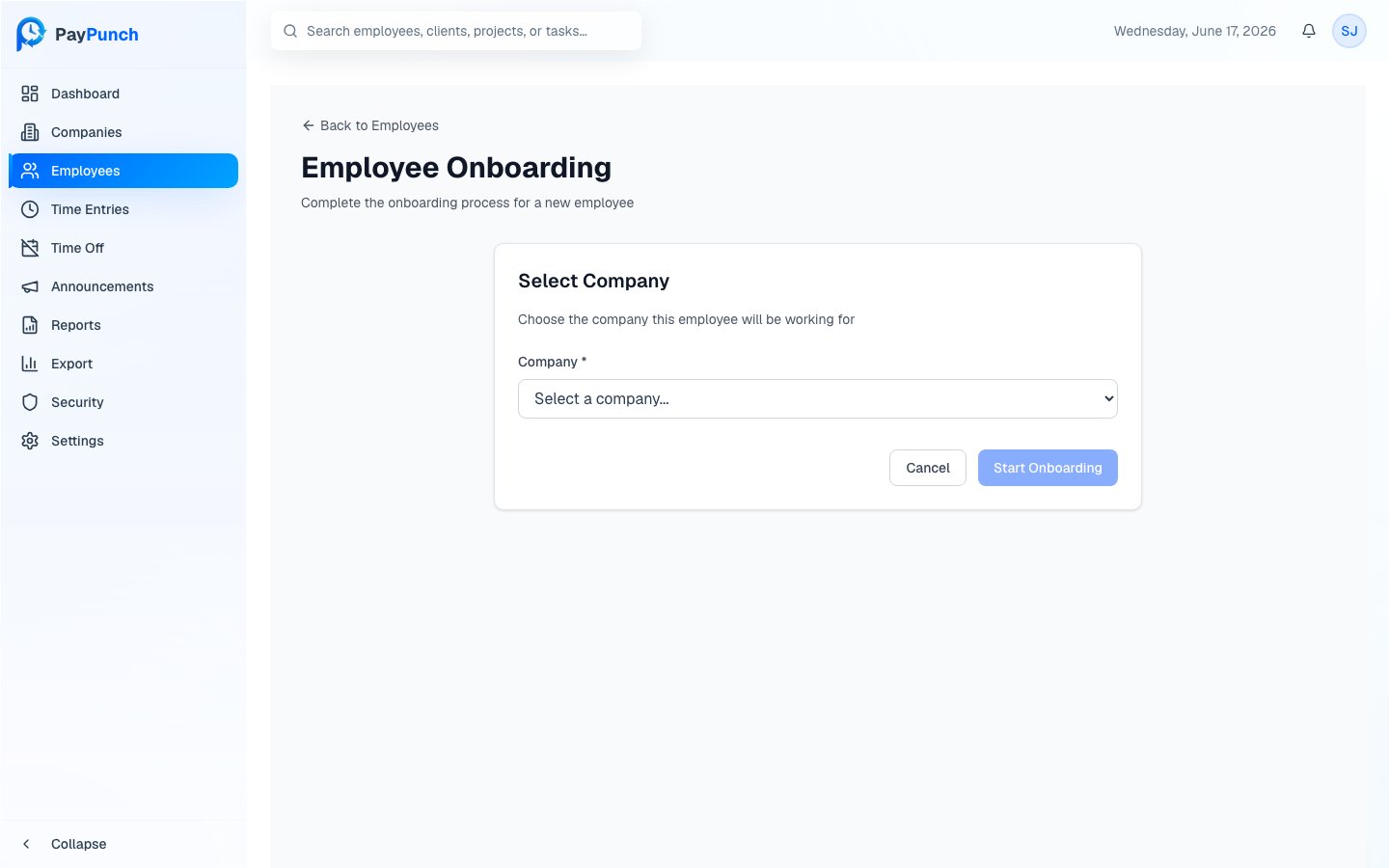
Start onboarding
From the Employees page, click Add Employee to open onboarding.1
Select a company
Choose the client company this employee will work for from the Company
dropdown (required), then click Start Onboarding.
2
Complete the onboarding wizard
Work through the guided wizard to capture the new hire’s personal details,
employment information, and compensation.
3
Finish
Save to create the employee. They now appear in the roster and can be issued
a PIN to clock in.
After onboarding
Once the employee exists, open their profile to track onboarding status and collect required documents such as a Government ID, W-4 Form, and Direct Deposit Authorization.Onboarding progress and document collection are tracked on the employee’s profile.
See Employee Profiles and
Documents & Compliance to verify a new hire’s
paperwork is complete.
Where to go next
Employee profiles
Edit details and review pay history.
Documents & compliance
Verify required new-hire documents.