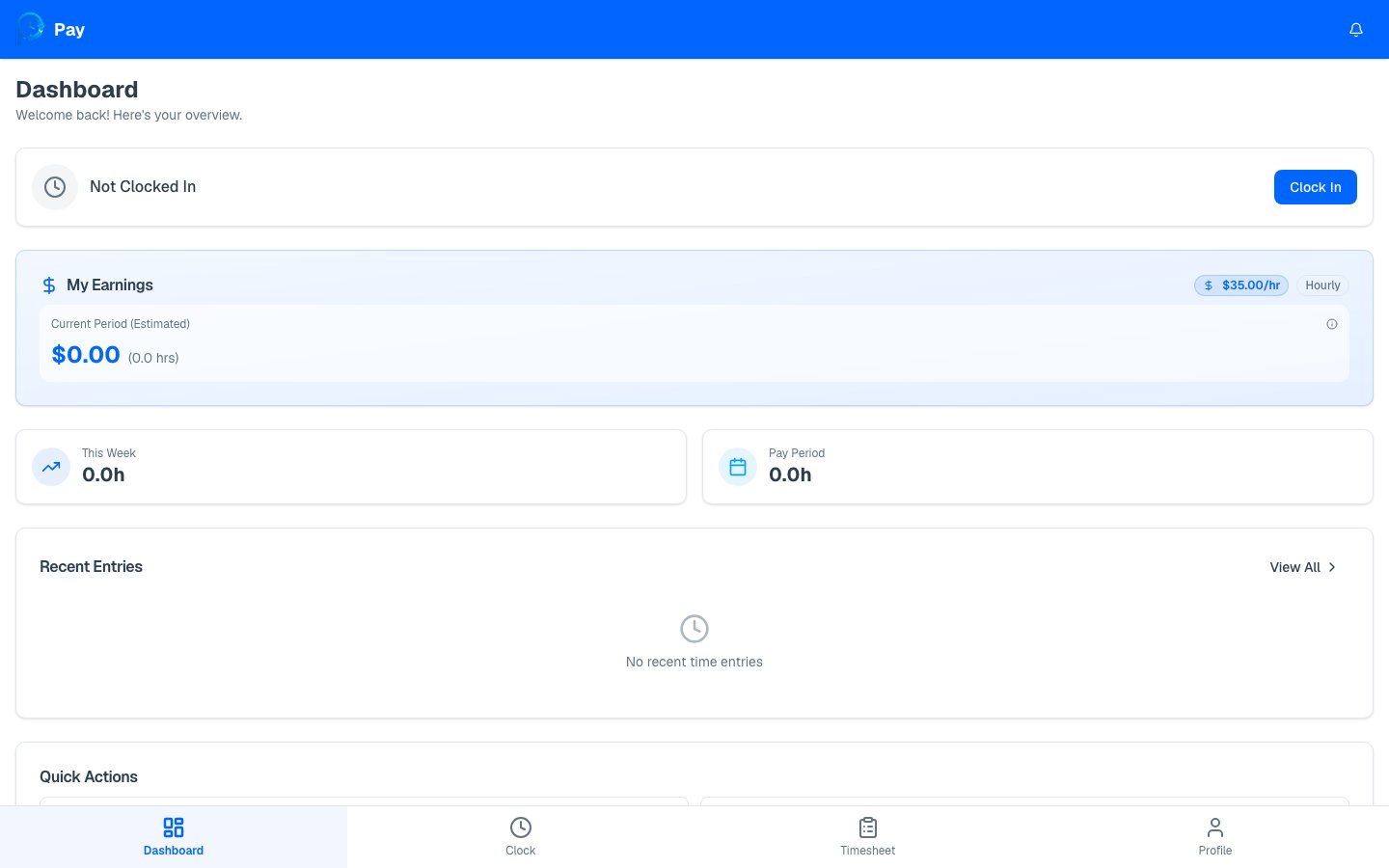
See your estimated pay for the current period, year-to-date, and pending hours.
Your earnings give you a running estimate of what you’ve made — based on your approved
hours and your pay rate — without waiting for payday.
Your earnings appear as a card on your dashboard and as period
totals on your timesheet. They’re shown only if your employer
chooses to share pay information with you.
PayPunch multiplies your approved hours by your pay rate:
Regular pay = regular hours × your pay rate.
Overtime pay = overtime hours × your pay rate × your overtime multiplier (often
1.5×, set by your employer).
Only approved and exported hours count toward your earnings and YTD totals.
Pending hours are shown separately as an estimate, and rejected hours aren’t
counted at all until they’re corrected and approved.
Your numbers look low? Check your timesheet for Pending or
Rejected entries — approving (or correcting) those will update your earnings.