

Download your pay stub
1
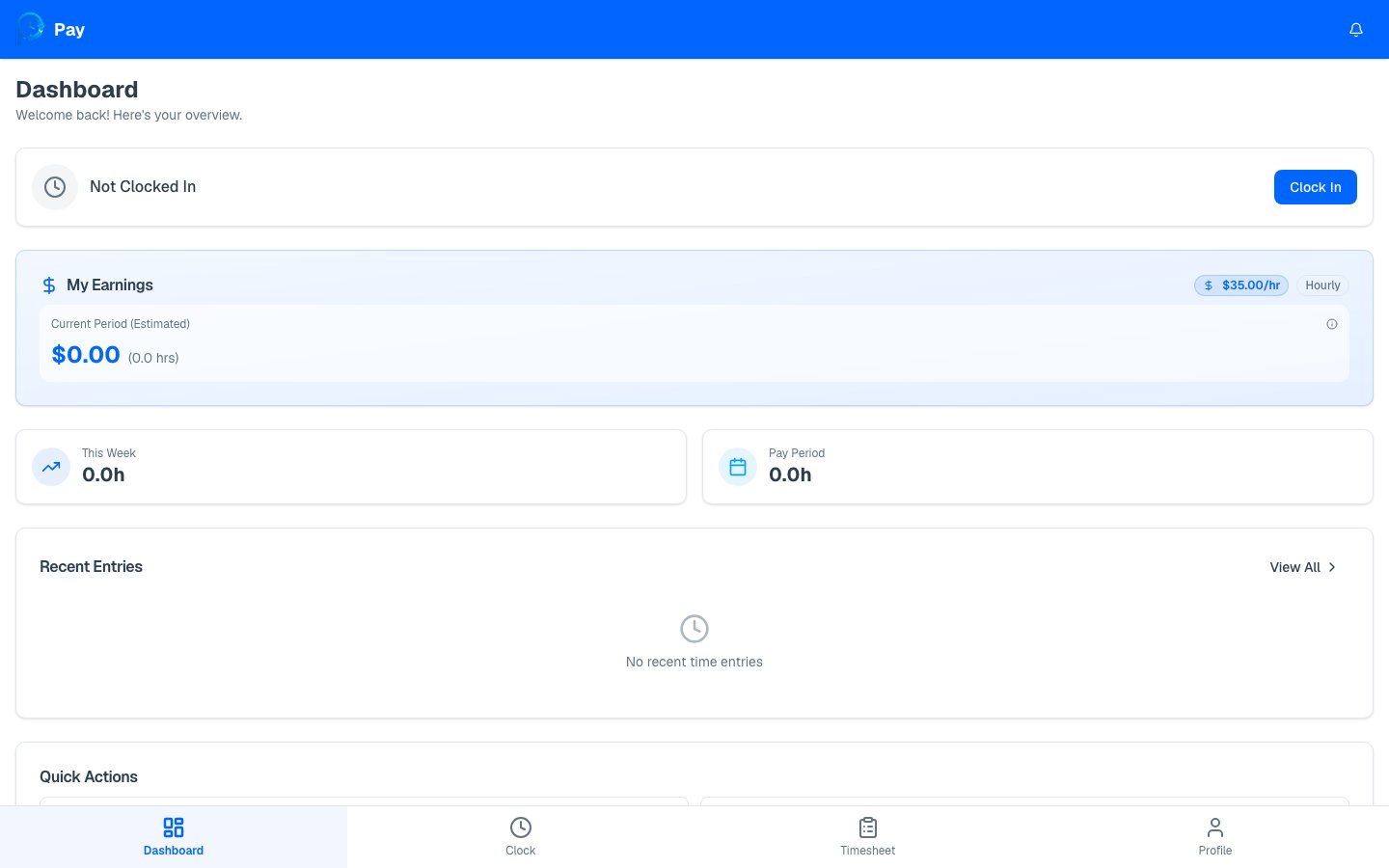
Open your dashboard
Go to your dashboard. When there’s a current pay period, a Pay
Stub card shows the period’s dates.
2
Tap Download PDF
Press Download PDF. PayPunch generates the pay stub and downloads it to your
device. You’ll briefly see “Generating…” while it’s created.
What’s on your pay stub
Your pay stub includes:- Company and your details — name, address, and employee number.
- Pay period dates and pay date.
- Earnings lines — regular hours and overtime hours, each with the rate and amount.
- Gross pay for the period.
- Year-to-date (YTD) totals for hours and gross pay.
Only approved and exported time entries are included on your pay stub. Hours that
are still pending or were rejected won’t appear until they’re approved. If your
pay stub looks short, check your timesheet for entries still
waiting on review.
See your earnings summary
A live view of your current period, YTD, and pending pay.