> ## Documentation Index
> Fetch the complete documentation index at: https://docs.paypunch.io/llms.txt
> Use this file to discover all available pages before exploring further.
# Rejected Entries
> Find time entries that were sent back to you and resubmit them so you get paid.
A **rejected** time entry is one your manager or bookkeeper sent back because it needs a
fix. Rejected time **isn't included in payroll** until you correct and resubmit it — so
it's worth handling these promptly.
## Where to find them
You'll be pointed to your rejected entries in a few places:
* A red **"Action Required"** banner on your [dashboard](/employee/overview) and
[timesheet](/employee/my-timesheet).
* The **Rejected entries** page, which lists every entry waiting on you.
 ## What each rejected entry shows
For every rejected entry you can see:
* The **date** and original clock in / clock out times.
* The **total hours** and break time recorded.
* The **rejection reason** — exactly why it was sent back.
* Any **notes** from your reviewer.
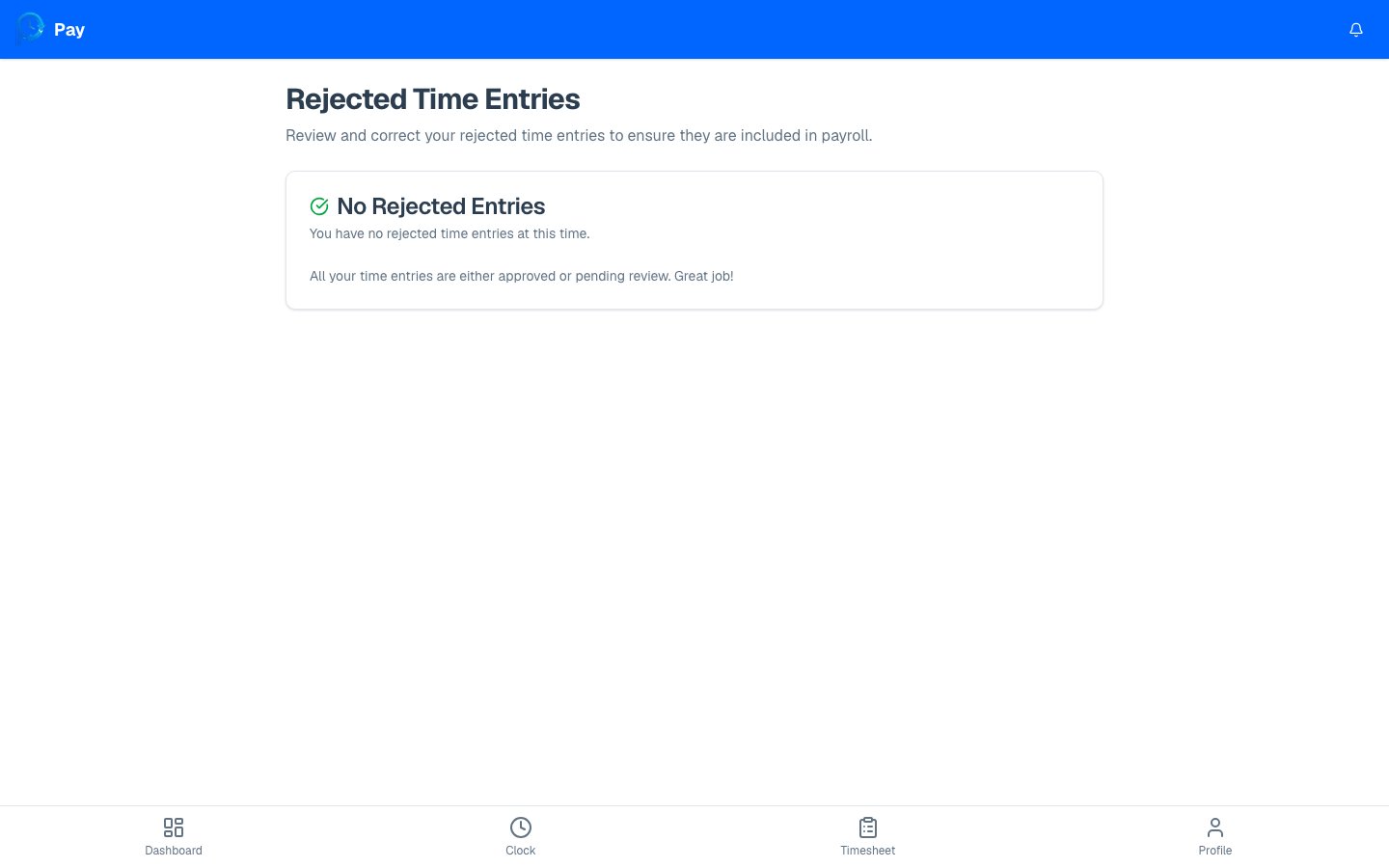
If you have no rejected entries, the page shows a friendly **"No Rejected Entries"**
message — that means everything is approved or still pending review. Nothing to do!
## Fix a rejected entry
Read the rejection reason on the entry so you know what to change.
This opens the correction form for that entry.
Fix the times and break, add a note, and submit. Full details are in
[Correcting a time entry](/employee/correcting-entries).
After you resubmit, the entry returns to **Pending** and your reviewer takes another look.
Don't ignore rejected entries — they won't be paid until they're corrected and
re-approved. If you're not sure what the reviewer wants changed, ask your manager before
resubmitting.
The step-by-step correction walkthrough.
## What each rejected entry shows
For every rejected entry you can see:
* The **date** and original clock in / clock out times.
* The **total hours** and break time recorded.
* The **rejection reason** — exactly why it was sent back.
* Any **notes** from your reviewer.
If you have no rejected entries, the page shows a friendly **"No Rejected Entries"**
message — that means everything is approved or still pending review. Nothing to do!
## Fix a rejected entry
Read the rejection reason on the entry so you know what to change.
This opens the correction form for that entry.
Fix the times and break, add a note, and submit. Full details are in
[Correcting a time entry](/employee/correcting-entries).
After you resubmit, the entry returns to **Pending** and your reviewer takes another look.
Don't ignore rejected entries — they won't be paid until they're corrected and
re-approved. If you're not sure what the reviewer wants changed, ask your manager before
resubmitting.
The step-by-step correction walkthrough.