> ## Documentation Index
> Fetch the complete documentation index at: https://docs.paypunch.io/llms.txt
> Use this file to discover all available pages before exploring further.
# Pay Stubs
> Download a PDF pay stub for your current pay period.
PayPunch can generate a **pay stub** — a PDF that breaks down your hours and gross pay for
a pay period. It's handy for your records or anytime you need proof of earnings.
## Download your pay stub
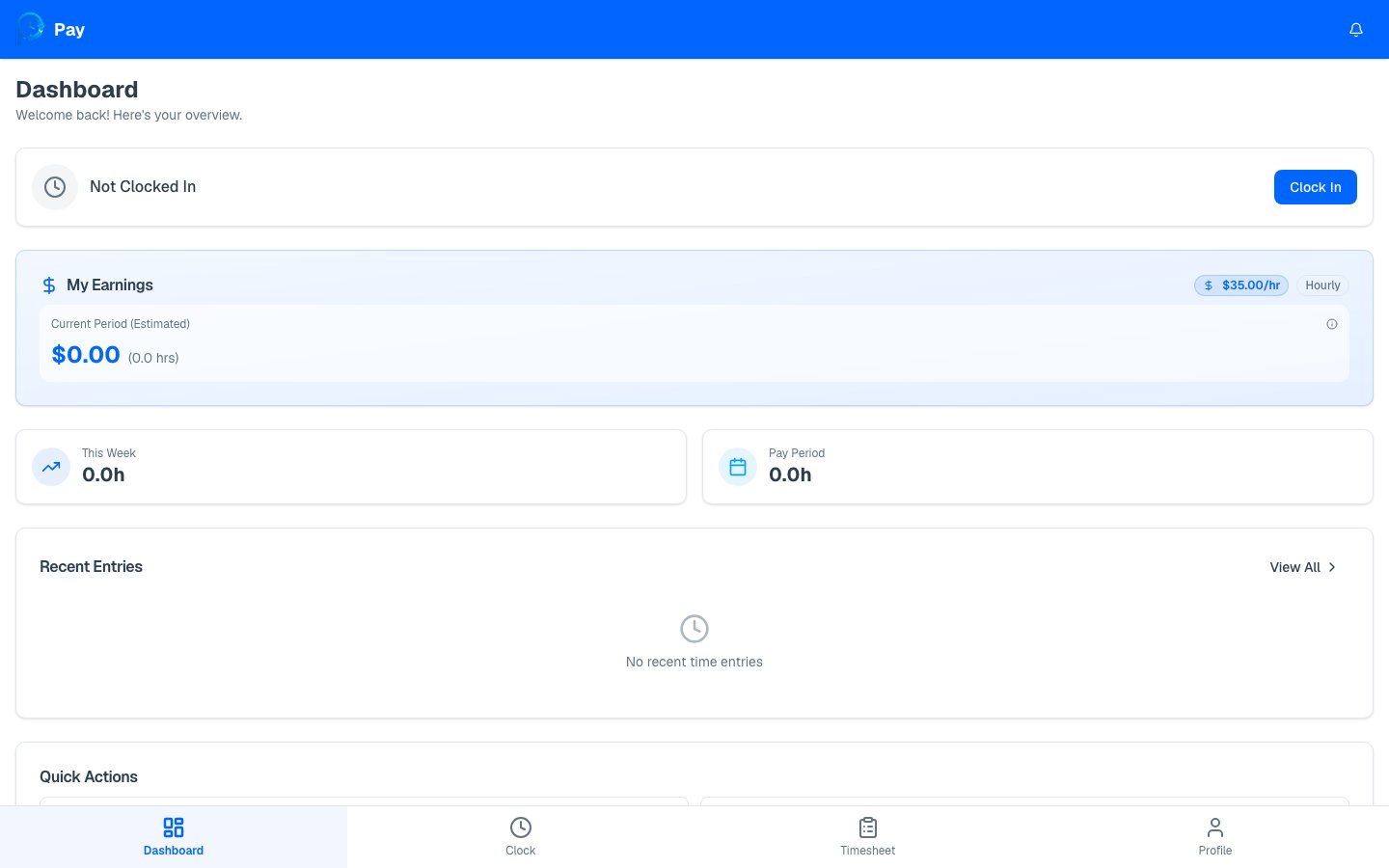
Go to your [dashboard](/employee/overview). When there's a current pay period, a **Pay
Stub** card shows the period's dates.
Press **Download PDF**. PayPunch generates the pay stub and downloads it to your
device. You'll briefly see **"Generating…"** while it's created.
 ## What's on your pay stub
Your pay stub includes:
* **Company and your details** — name, address, and employee number.
* **Pay period dates** and pay date.
* **Earnings lines** — regular hours and overtime hours, each with the rate and amount.
* **Gross pay** for the period.
* **Year-to-date (YTD)** totals for hours and gross pay.
Only **approved** and **exported** time entries are included on your pay stub. Hours that
are still **pending** or were **rejected** won't appear until they're approved. If your
pay stub looks short, check your [timesheet](/employee/my-timesheet) for entries still
waiting on review.
PayPunch pay stubs show **gross pay** (before taxes and deductions). They're a record of
hours and earnings, not a substitute for the official pay statement from your employer's
payroll system.
A live view of your current period, YTD, and pending pay.
## What's on your pay stub
Your pay stub includes:
* **Company and your details** — name, address, and employee number.
* **Pay period dates** and pay date.
* **Earnings lines** — regular hours and overtime hours, each with the rate and amount.
* **Gross pay** for the period.
* **Year-to-date (YTD)** totals for hours and gross pay.
Only **approved** and **exported** time entries are included on your pay stub. Hours that
are still **pending** or were **rejected** won't appear until they're approved. If your
pay stub looks short, check your [timesheet](/employee/my-timesheet) for entries still
waiting on review.
PayPunch pay stubs show **gross pay** (before taxes and deductions). They're a record of
hours and earnings, not a substitute for the official pay statement from your employer's
payroll system.
A live view of your current period, YTD, and pending pay.