> ## Documentation Index
> Fetch the complete documentation index at: https://docs.paypunch.io/llms.txt
> Use this file to discover all available pages before exploring further.
# Onboarding Employees
> Walk a single new hire through guided onboarding — company, profile, and required documents.
Guided **Employee Onboarding** is the best way to add one new hire at a time. It
walks you through selecting a company and completing the new employee's details
through a step-by-step wizard. For adding many employees at once, use
[Bulk Import](/admin/importing-employees) instead.
 ## Start onboarding
From the **Employees** page, click **Add Employee** to open onboarding.
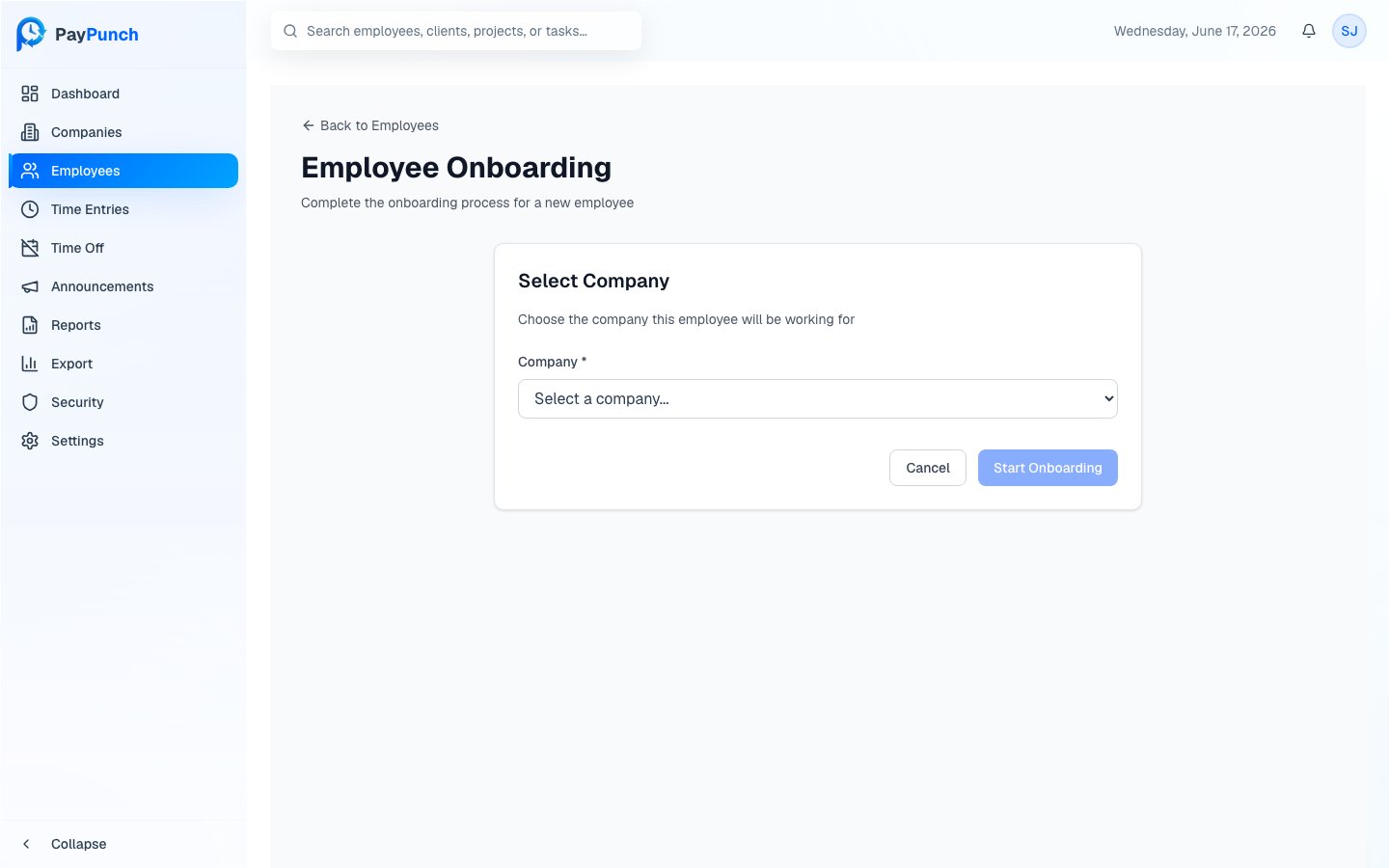
Choose the client company this employee will work for from the **Company**
dropdown (required), then click **Start Onboarding**.
Work through the guided wizard to capture the new hire's personal details,
employment information, and compensation.
Save to create the employee. They now appear in the roster and can be issued
a PIN to clock in.
## After onboarding
Once the employee exists, open their profile to track **onboarding status** and
collect required documents such as a **Government ID**, **W-4 Form**, and
**Direct Deposit Authorization**.
Onboarding progress and document collection are tracked on the employee's profile.
See [Employee Profiles](/admin/employee-profiles) and
[Documents & Compliance](/admin/documents-and-compliance) to verify a new hire's
paperwork is complete.
## Where to go next
Edit details and review pay history.
Verify required new-hire documents.
## Start onboarding
From the **Employees** page, click **Add Employee** to open onboarding.
Choose the client company this employee will work for from the **Company**
dropdown (required), then click **Start Onboarding**.
Work through the guided wizard to capture the new hire's personal details,
employment information, and compensation.
Save to create the employee. They now appear in the roster and can be issued
a PIN to clock in.
## After onboarding
Once the employee exists, open their profile to track **onboarding status** and
collect required documents such as a **Government ID**, **W-4 Form**, and
**Direct Deposit Authorization**.
Onboarding progress and document collection are tracked on the employee's profile.
See [Employee Profiles](/admin/employee-profiles) and
[Documents & Compliance](/admin/documents-and-compliance) to verify a new hire's
paperwork is complete.
## Where to go next
Edit details and review pay history.
Verify required new-hire documents.